




Customers answered.
Leads booked.
Content posted.
Invoices paid.
And every small job in between.
You get your life back.


Your AI Company
the org chart
The org chart of your AI workforce
A whole company of AI agents, all reporting to one Chief of Staff - who reports to you.
ORG SCHEMATIC - SHEET 01
You
Founder
AI AGENT
Chief of Staff
runs the day, reports to you
AI AGENT
Front desk
answers customers
AI AGENT
Follow-up
fills the calendar
AI AGENT
Marketing studio
posts and videos
AI AGENT
Research desk
watches the market
AI AGENT
Back office
invoices and reports
reports to · work moving, right now
Wired into the tools you already use - and many more


your new team
Five roles your business needs, filled from day one - run by us, checked by real people.
{01}
Your front desk
Answers every customer in seconds, on WhatsApp, day or night. It knows your prices, your services, and how you talk.
Instant replies
Day and night
Quotes on the spot
Bookings taken
Sounds like you
{02}
Your follow-up person
No lead goes cold. New enquiries get an answer right away, quiet ones get a friendly nudge, and booked calls land on your calendar.
Every lead chased
Friendly reminders
Calendar filled
Nothing forgotten
{03}
Your marketing studio
Writes your posts, makes your videos, and keeps your pages alive. In your voice, on a schedule, without you touching a thing.
Social posts
Short videos
Email and content
A steady schedule
{04}
Your research desk
Watches your market while you work. Competitor moves, price shifts, new rules. You get a short note you can read in two minutes.
Competitors watched
Prices tracked
Trends spotted
Two-minute briefs
{05}
Your back office
Sends the invoices, logs the payments, and writes the daily report. The boring work gets done, and you only read the summary.
Invoices sent
Payments logged
Reports written
Books kept tidy
Why JarvisDaily
benefits

We run it for you
No dashboards to learn, nothing to set up. Your AI team is managed, checked, and improved by us.
Generic AI, made yours
+
It learns how you talk, quote, and sell

Honest costs
One monthly fee for our work. Tool costs pass through at cost, in your own accounts. No surprises.
One short report
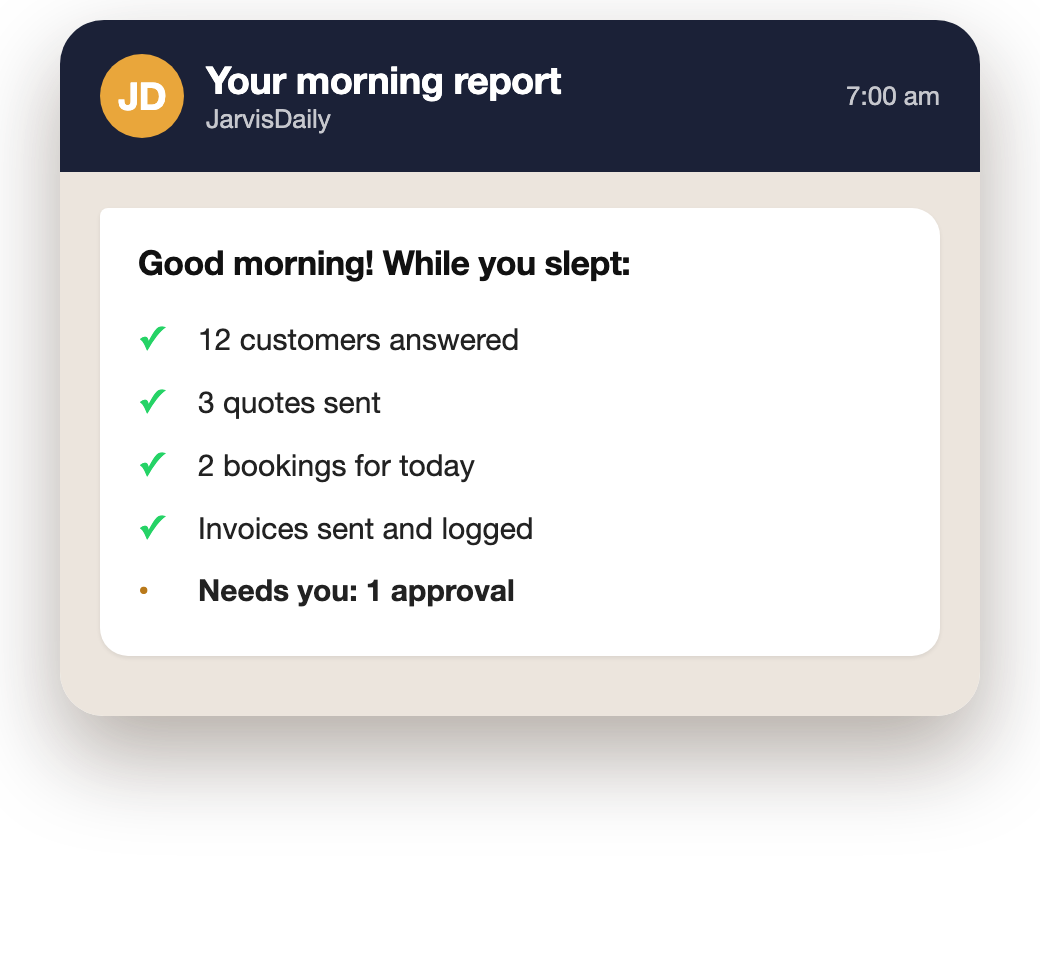
Every morning on WhatsApp - what got done, what needs you



From first call to daily care
Roles filled
5
Front desk to back office
Always on
24/7
Nights, weekends, holidays
Works with your tools
The apps you already use, doing more


Your free audit
One call. A written plan. Yours to keep.

Any industry
Shops, clinics, agencies, factories - if it talks to customers, we can run it.

A person checks, every day
Humans in the loop
Real people review your AI team's work and step in when it matters.
Run by us, made yours


JarvisDaily
The audit
* Whatever you decide, the plan stays with you.

A 30-minute call
We walk through your week and find what eats your time
Your AI Opportunity Map
The three tasks to hand over first, in plain words
Yours to keep
Take the plan anywhere - there is no obligation
No pitch, no pressure
We only offer the service if the fit is real
An honest answer
If AI will not help your business yet, we say so
Common Questions
faq
The things owners ask us most, in plain words
I know nothing about AI. Is that a problem?
No - that is the point. We build it, run it, and check it. You never touch the technology. You just read a short morning report.
Will it sound like a robot to my customers?
It learns your words, your tone, and your languages - and you approve everything it learns before it goes live. If it is ever unsure, a real person steps in.
What if it makes a mistake?
A person checks its work every day, and anything important waits for your approval. When we find a mistake, we fix it and teach it, so it does not happen again.
Do I need new software?
No. Your AI team works inside the tools you already use - WhatsApp, email, your calendar, your sheets. Nothing new to install or learn.
What will it cost me?
The audit is free, and the plan is yours to keep. If you want us to run things, there is one monthly fee - we size it on the call, and tool costs pass through at cost.
Who owns my data?
You do, always. Your conversations and records stay yours, with full access any time. We never use your data for anything else.
Still wondering about something?
Message us on WhatsApp - a real person replies, in plain language.
Your company runs.
You live.
It starts with a free 30-minute call. No pitch - and the plan is yours to keep.